
Booking Q4 2026Start a project
Enterprise-grade file delivery for freelancers — 5 GB uploads, watermarked previews, and self-enforcing access controls, all without a single background worker.
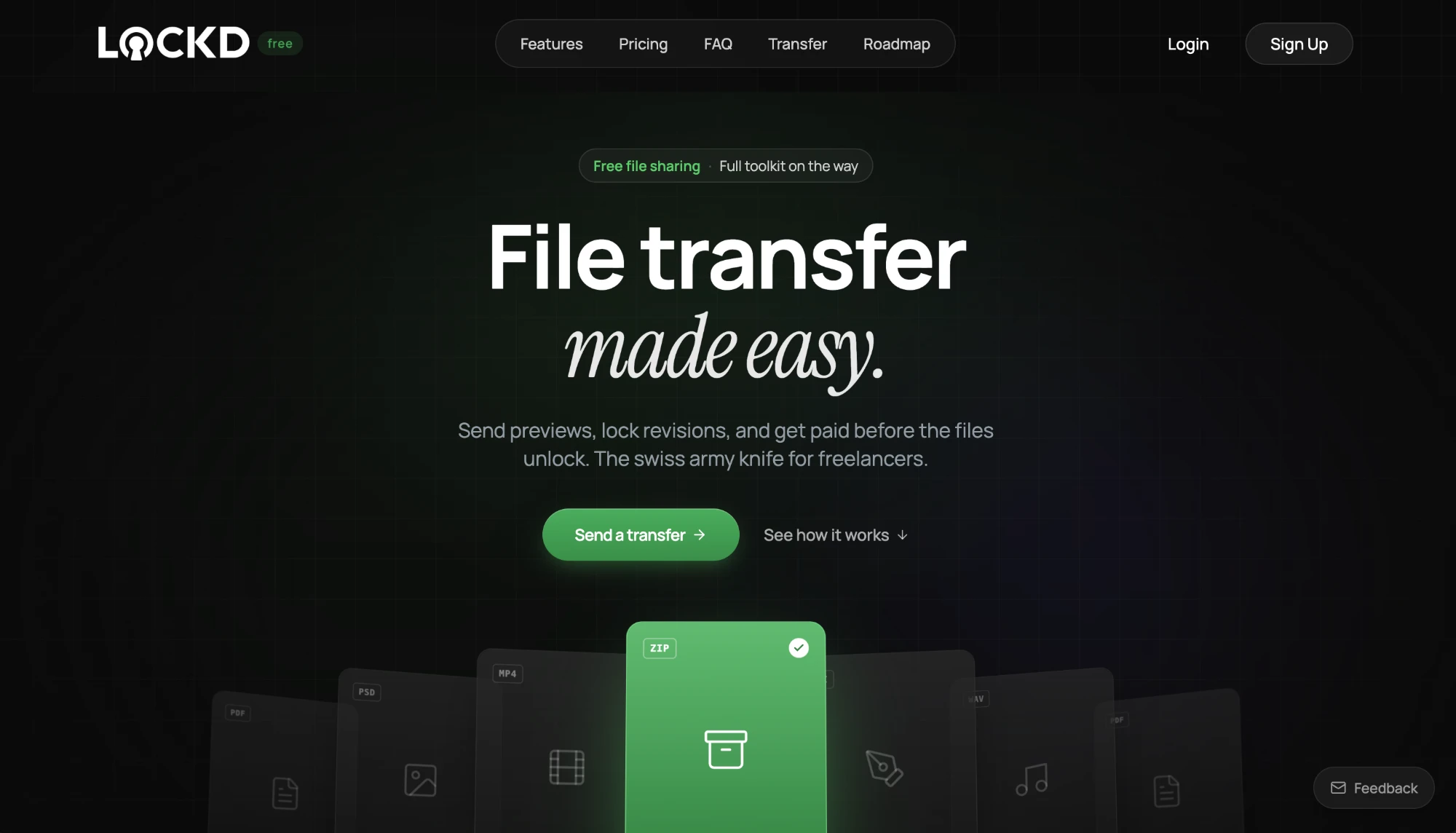
Freelancers live in a gap between consumer file sharing and enterprise platforms. Consumer tools like WeTransfer cap out at 2 GB, strip metadata, and offer no preview controls. Enterprise solutions like Hightail or Aspera are built for post-production studios with IT departments — not a solo photographer sending proofs to a client.
LOCKD needed to bridge that gap: handle the file sizes and preview requirements of professional creative work, but with the simplicity of a consumer tool. No onboarding flow. No seat licenses. No IT department required.
The platform needed to:
The hard constraint: no background job infrastructure. No Redis, no Bull, no persistent workers. Every async operation — from watermarking to ZIP creation — had to be handled through Lambda functions with a callback webhook pattern, keeping the core API lean and stateless.
A single upload strategy can't serve files that range from a 200 KB logo to a 4 GB video master. Small files need to be instant. Large files need resilience. Edge cases need a fallback that doesn't crash.
The system inspects file size at selection time and routes each file through the appropriate path automatically:
Presigned Upload
Files under 50 MB are uploaded directly to S3 via a presigned PUT URL — a single request, zero server load.
Chunked Multipart
Files between 50 MB and 5 GB are split into 25 MB chunks, uploaded in parallel, and reassembled by S3. Failed chunks retry automatically.
Streaming Fallback
For edge cases where presigned URLs aren't viable, the server proxies the upload as a stream — never buffering the full file in memory.
The user never sees this complexity. They drag a file, it uploads. The system decides how.
One drag. Three strategies. Zero config.
When a recipient wants to download all files at once, the platform needs to produce a ZIP archive — potentially gigabytes in size. Traditional approaches buffer the entire archive in memory or on disk. Neither scales when archives can reach multiple gigabytes.
Instead, a Lambda function streams files directly from S3 into a ZIP stream that writes back to S3 as it goes. No intermediate buffer. No disk. The function's memory footprint stays constant regardless of total file size.
Request
The client selects files and requests a ZIP. The API validates access and invokes a Lambda function.
Stream & Compress
The Lambda streams each file from S3 and compresses on-the-fly — no intermediate disk or memory buffer.
Stale Detection
If source files change during creation, the operation aborts and the client is prompted to retry.
Delivery
The completed ZIP is written to S3 and a presigned download URL is returned to the client.
Gigabytes compressed without touching the API server.
Freelancers need to share previews without giving away the originals. Watermarked previews solve this — but generating them synchronously during upload would make the experience painfully slow, especially for video.
The watermarking system runs as an asynchronous pipeline. Uploads complete instantly. Preview generation kicks off in the background across two specialised paths:
Upload completes
The user receives immediate confirmation. Watermarking begins asynchronously.
Image pipeline
A dedicated Lambda downloads the original from S3 and uses FFmpeg to composite the watermark overlay — typically under 5 seconds per image.
Video pipeline
FFmpeg generates a preview clip and burns in the watermark. A shared Lambda layer keeps the binary under 50 MB.
Preview ready
Watermarked previews are stored alongside the originals. The UI updates automatically when processing completes.
Previews without giving away the originals.
Sharing files is only half the workflow. Freelancers also need to collect files from clients — brand assets, content for editing, signed contracts — and get feedback on deliverables before final handoff.
File Requests generate a branded upload portal with a unique link. The client uploads directly — no account required. Files land in the freelancer's transfer, organised and ready for download. The upload portal inherits the sender's branding: logo, colours, and a custom message.
Collaborative Preview turns any transfer into a review surface. Recipients can view watermarked previews in a gallery and leave threaded comments on individual files — including timestamp-linked feedback on audio and video (e.g. “at 2:34, the transition feels abrupt”). No account required — commenters just provide a display name. The freelancer sees all feedback in one place — no email chains, no scattered messages.
Files shouldn't live forever. Every transfer in LOCKD has a lifecycle governed by four independent controls — each enforced at the API level, not the frontend.
Expiry timers auto-disable access after 24 hours, 7 days, or 30 days. Download limits cap the number of times each recipient can access a file. Password protection adds an optional passphrase gate. And when any condition triggers, auto-cleanup purges the files from S3 entirely — not just the links.
The result is a system where files are available exactly as long as they need to be, and not a second longer. The audit trail — who accessed what, when, how many times — is preserved even after the files are gone.
Two foundational systems run beneath every feature: content-based file type detection, and a structured error framework.
MIME detection reads magic bytes from the file header rather than trusting the uploaded file extension. A file named photo.jpg that's actually a PDF will be identified correctly — and routed to the right preview renderer. This prevents spoofing, ensures correct thumbnails, and means the watermarking pipeline always knows what it's processing.
Structured errors ensure every API endpoint returns a typed, machine-readable error object with a stable error code and a human-friendly message. The frontend maps these to contextual UI — a file too large shows the size limit, an expired transfer shows when it expired, a rate-limited request shows when to retry. No generic “something went wrong” modals.
Rather than a single upload strategy, the system selects from presigned PUT, chunked multipart, or streaming fallback based on file size. This keeps small files instant while supporting multi-gigabyte uploads without timeout or memory issues.
Multi-gigabyte files via chunked multipart with automatic resume
Image and video previews with burned-in watermarks
Lambda-powered ZIP creation streamed directly from S3
Request files from clients with branded upload portals
Share preview links with comments and approval workflow
Expiry, download limits, and password protection per transfer
Gate file access behind Stripe payment links
File type identified from magic bytes, not extensions
Full mobile support for uploading, previewing, and downloading
Typed error responses with stable codes and contextual UI
Track views, downloads, and access patterns per transfer
Upload portals and preview pages match the sender's brand
Whether you need multi-gigabyte uploads, async media processing, or secure file delivery — we'd love to talk.
Start a project